
Email runs better in the cloud. So does Revit*
Designair cloud workstations. Built for CAD and BIM.
*And every other CAD and BIM software

What our customers say

.avif)
.avif)

Architects and engineers are stuck between a rock, and a hard place

Owning workstations and server rooms is a big pain
They don't run themselves. They love to crash when you need them most

Remote CAD setups lock you in
Big upfront investment, long term commitment, expensive
Designair's guarantees

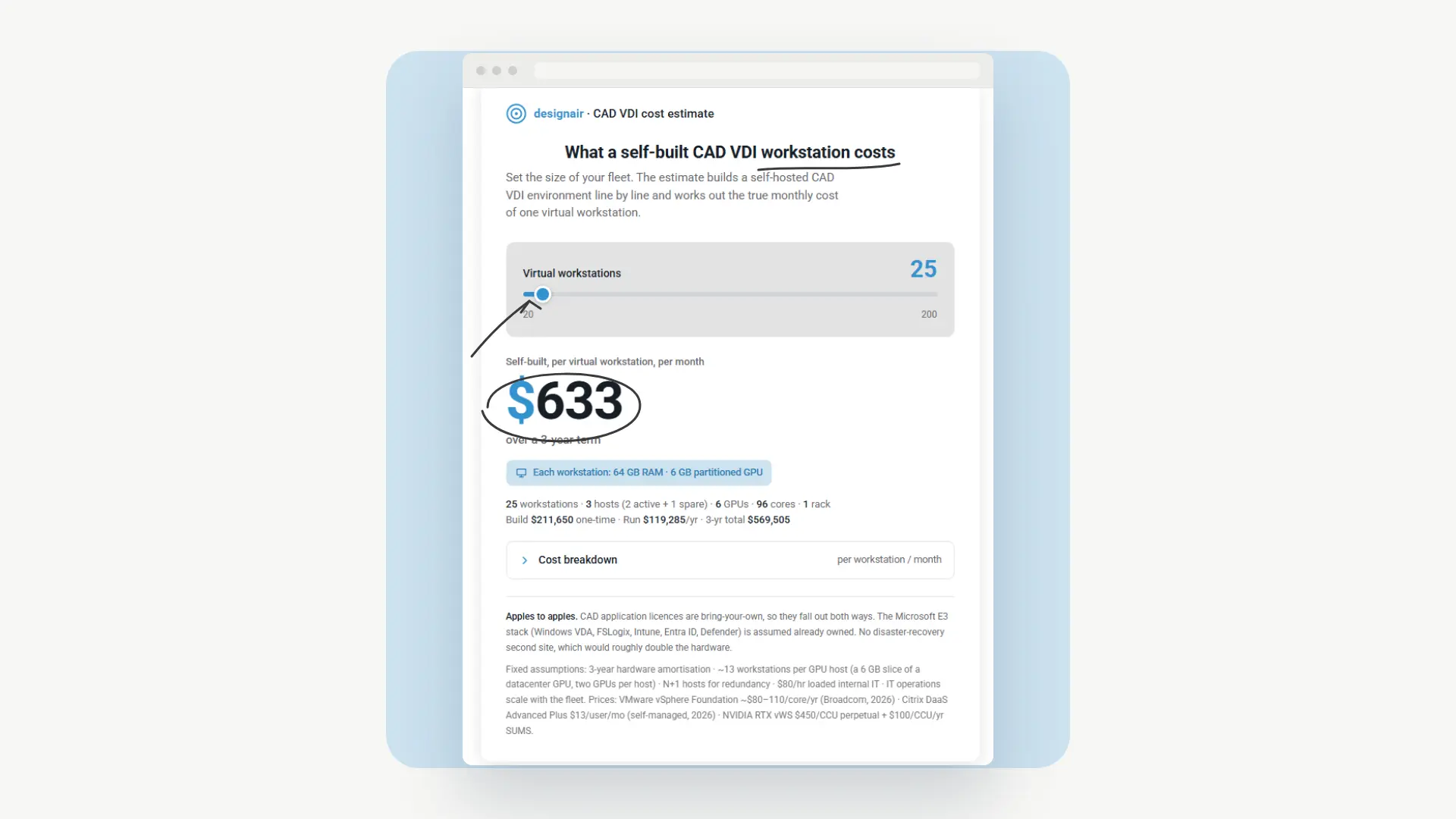
CAD workstations with the lowest Total Cost of Ownership (TCO)
The average cost per customer is €200 per CAD workstation per month. Click here to see our historical billing data.

Never pay too much for CAD workstations
You pay for what you use. If your BIM team is on vacation, you're not paying for any usage. When a big project is over, you stop paying for CAD workstations at all.

CAD workstations that keep your BIM team productive
Designair is as easy as online shopping. Click to create a workstation. Click to delete it. One monthly bill. Zero disruption for your BIM team.

Certified by ISO
We don't ask you to trust us that Designair is secure, safe and reliable. Our ISO 27001 certification is the definitive and verifiable proof of this.
3 questions every Architect asks us


How Designair works
.svg)
One master image. Zero conflicts
Create a pre-configured CAD workstation from one template. Same Revit version. Same plugins. For every user.


100% Self Service - you get the keys to the kingdom
Creating a new CAD workstation is like ordering on Amazon — pick your spec, click create, done. We give you the keys to the kingdom. No hardware to ship. No IT ticket. No waiting.


Stop wai(s)ting time
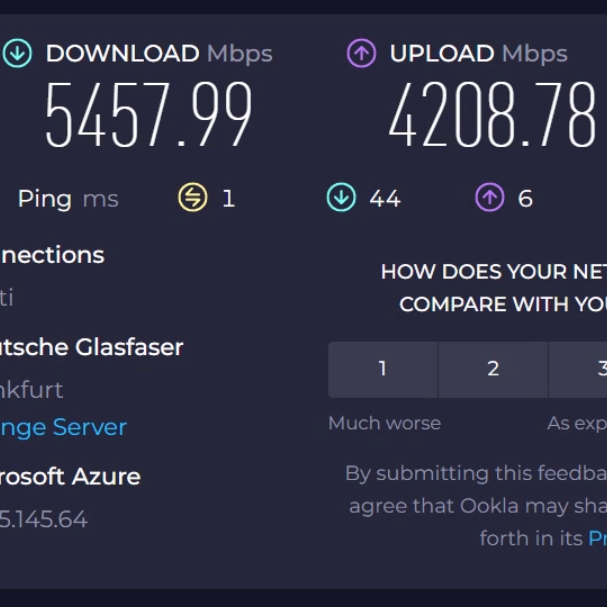
Our CAD workstations connect with Autodesk's Cloud at Gigabit speed. Revit model files synch in seconds, not minutes
.png)
Upgrade your security
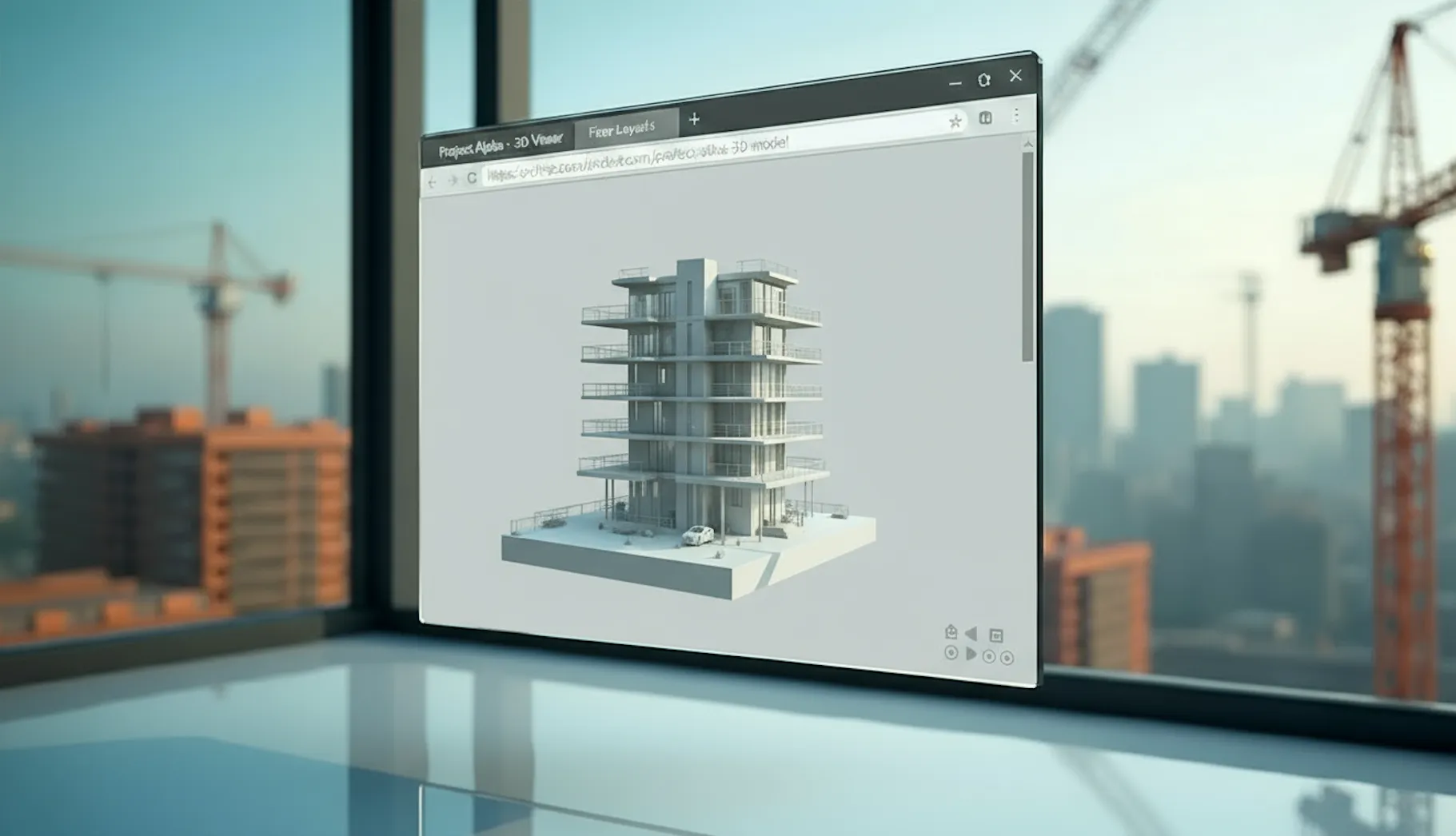
Your team works with Revit in a browser. Your files never leave the cloud. Nothing to steal, nothing to lose.
.png)
A full virtual IT environment
Fileshares, servers, storage, site-to-site — everything your firm needs. All in the Designair cloud.

How do I get started?
We do it for you.
Your CAD team, your CAD, your 3D models. In a full Designair production environment.
Designair's guarantee
Up in 48 hours. Your Revit. Your models
Two weeks free. For the entire team.
Pay only what you use. Cancel anytime.
Stay Informed with Our Latest Blog Posts


Start running Revit like you run E-Mail
The first two weeks are on us!


Email runs better in the cloud. So does Revit*
*And every other CAD and BIM software